
在Report Server服务器安装ODAC 64,参考博客
1.下载ODAC, ODAC取决于已安装的 Power BI Desktop或Report Server 版本:32 位或 64 位。 它还取决于 Oracle 服务器的版本。
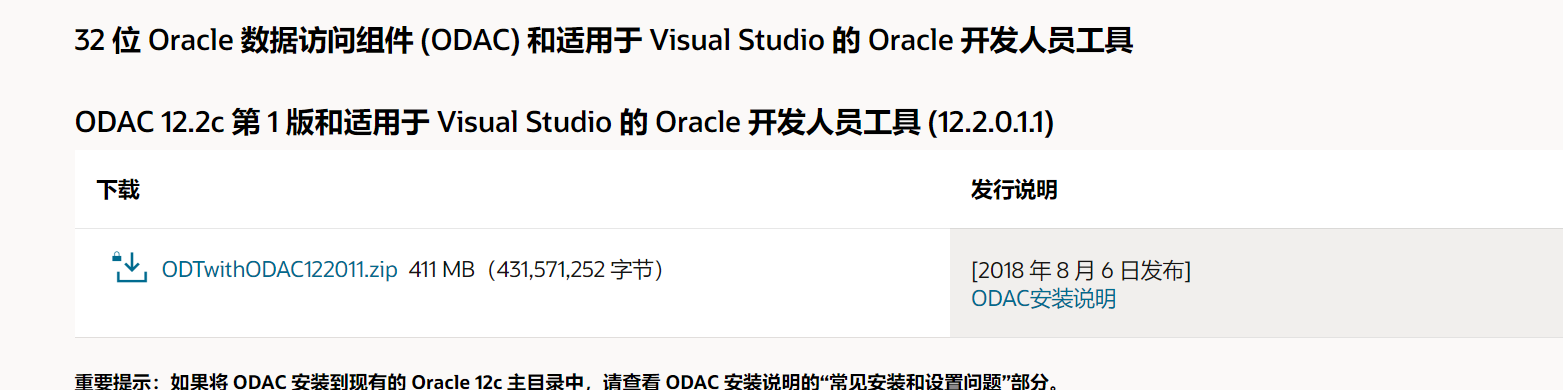
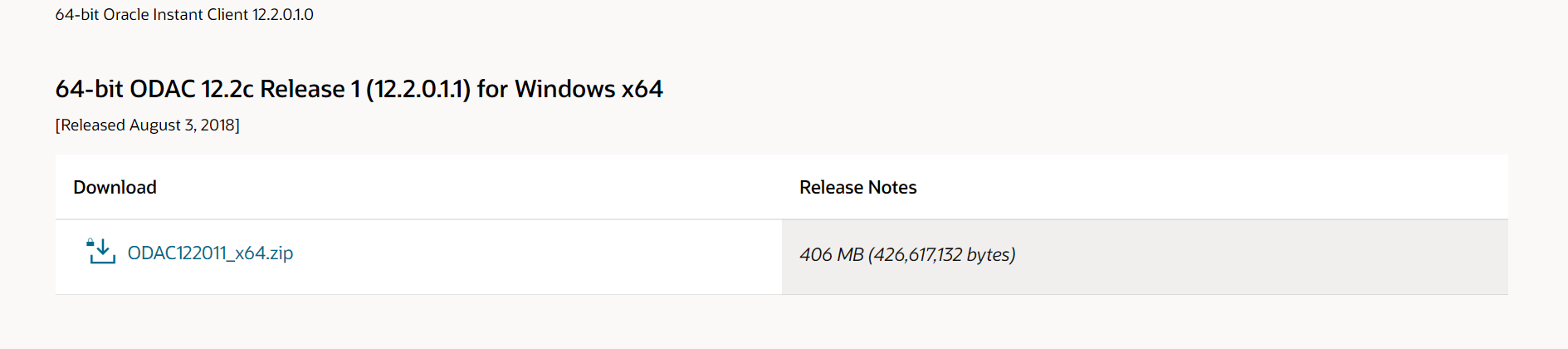
2.安装ODAC 64位
解压zip
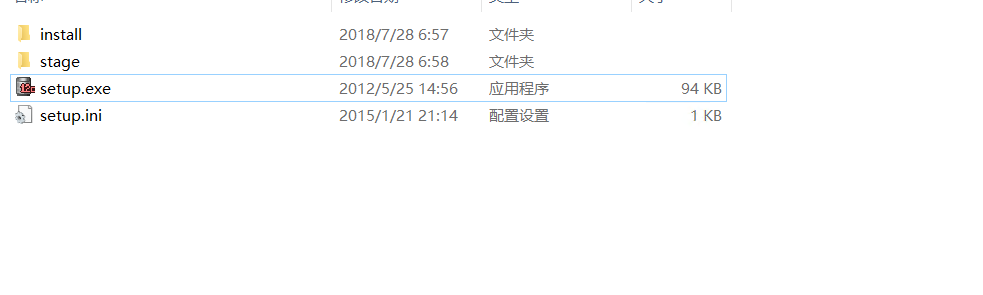
执行setup.exe
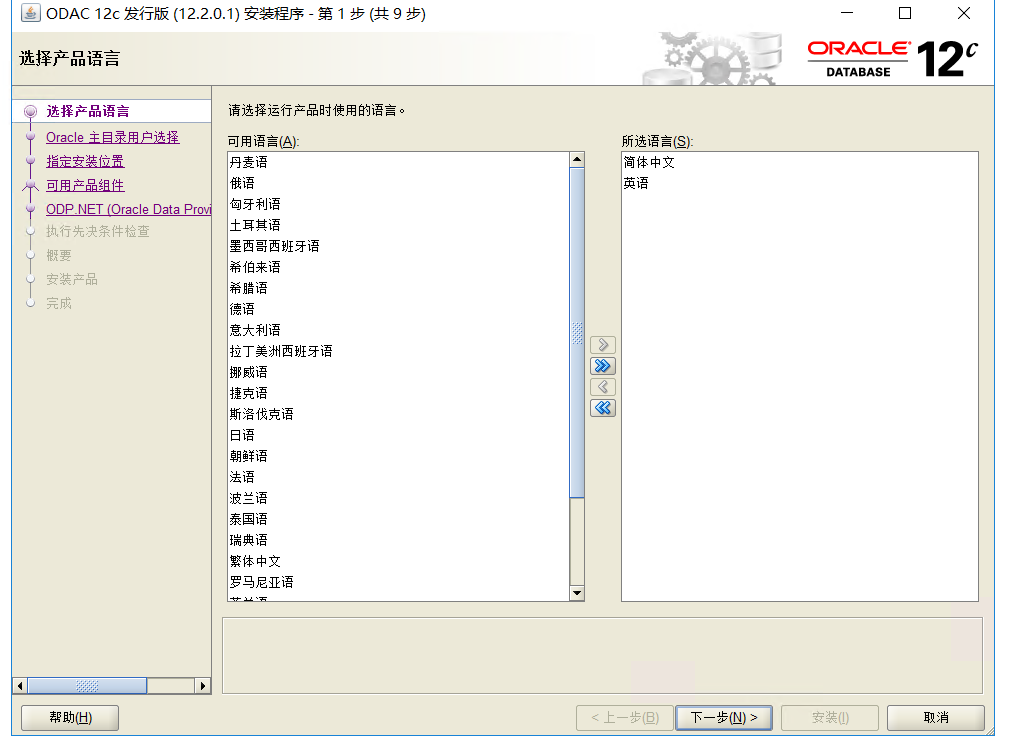
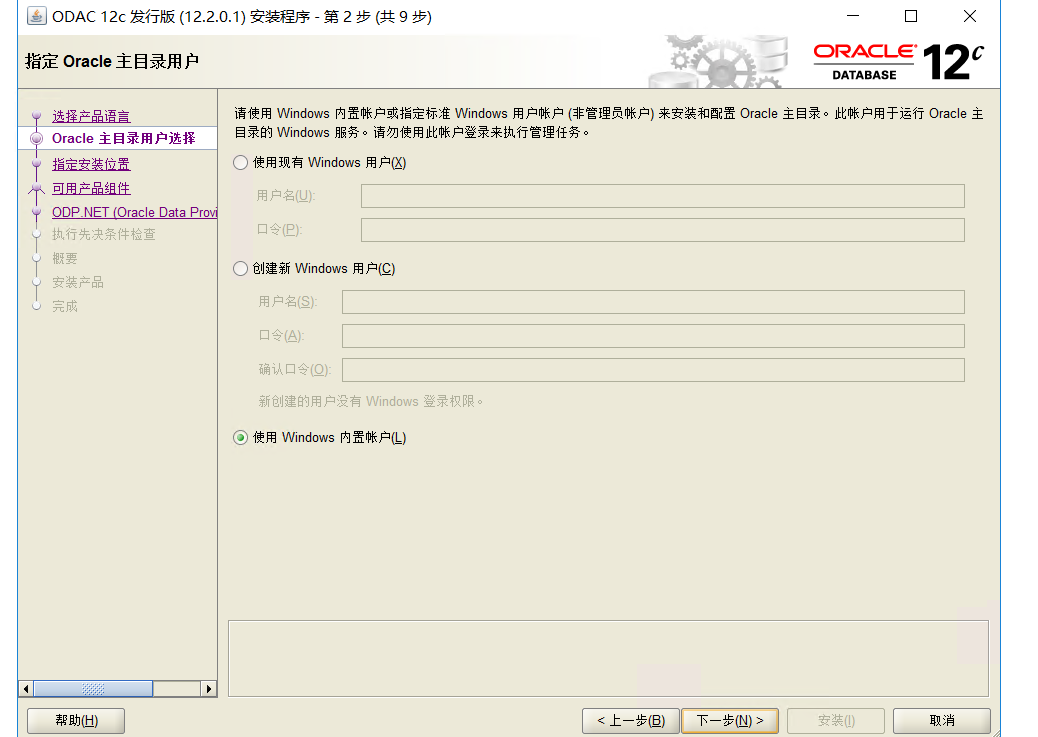
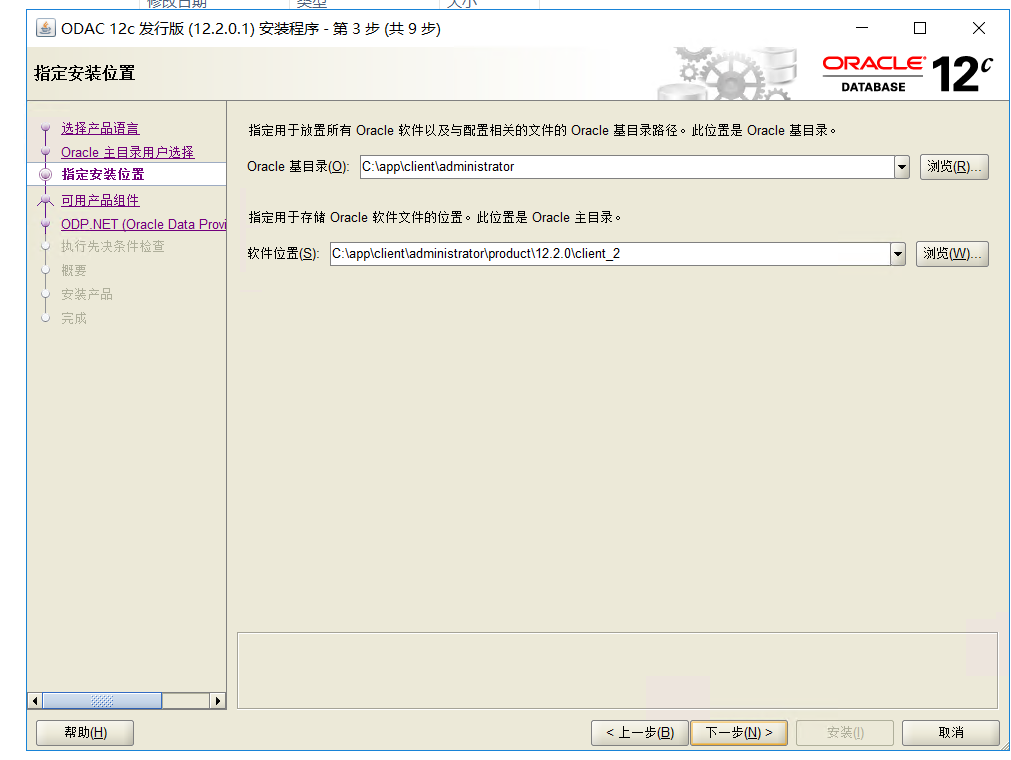
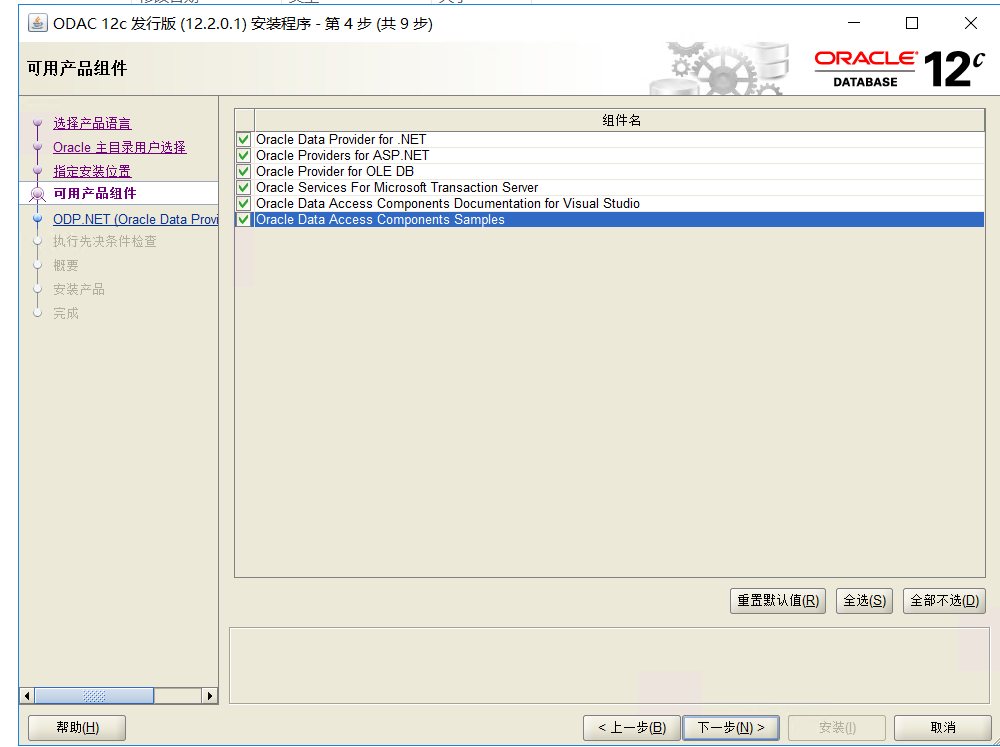
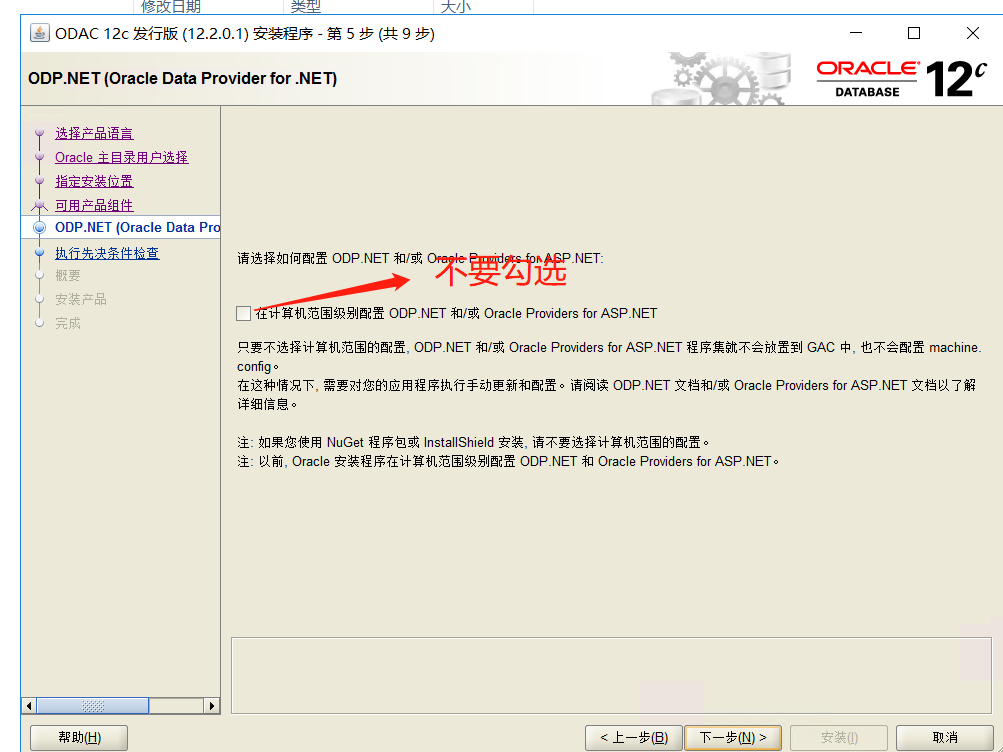
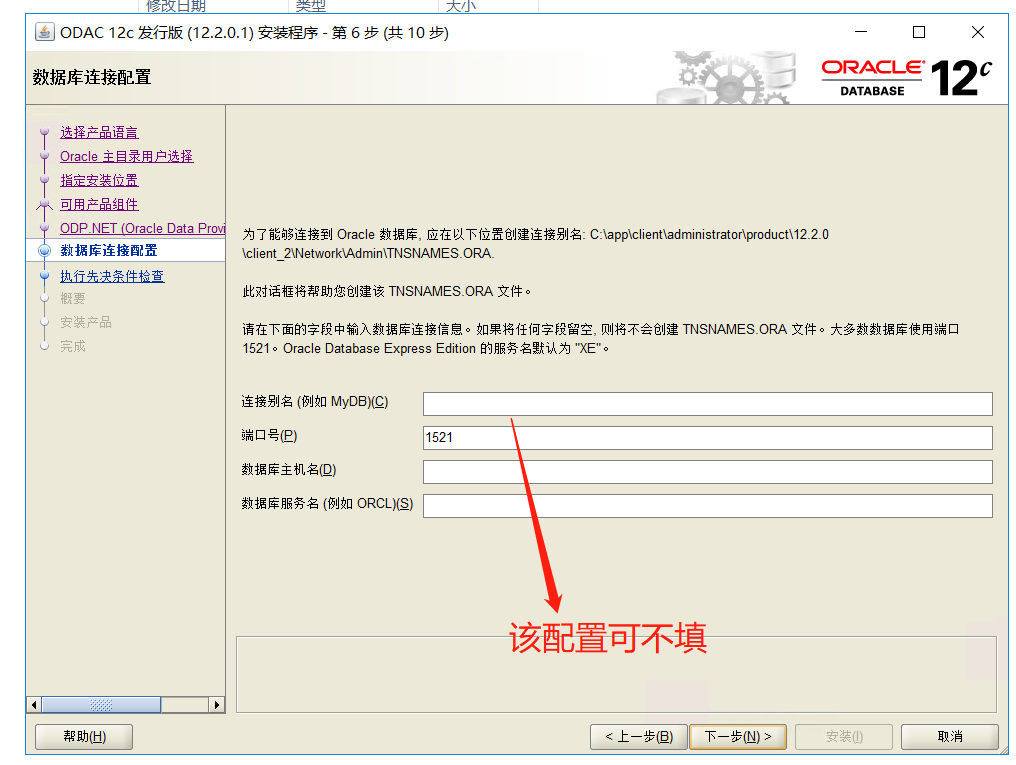
后面一直下一步。。。。就OK了
为Power BI 报表服务器 64 位配置 Oracle 数据库 参考博客
假设ODAC 文件安装到 c:\oracle64 文件夹
对 Power BI 报表使用非托管的 ODP.NET。 请按照以下步骤注册非管理的 ODP.NET:
1.向 GAC 注册 ODP.NET 非管理的客户端:
C:\oracle64\product\18.0.0\client_1\odp.net\bin\4\OraProvCfg.exe /action:gac /providerpath:C:\oracle64\product\18.0.0\client_1\odp.net\bin\4\Oracle.DataAccess.dll
2.将 ODP.NET 非管理的客户端条目添加到 machine.config
C:\oracle64\product\18.0.0\client_1\odp.net\bin\4\OraProvCfg.exe /action:config /force /product:odp /frameworkversion:v4.0.30319 /providerpath:C:\oracle64\product\18.0.0\client_1\odp.net\bin\4\Oracle.DataAccess.dll